Review data validation checks
The Data Validation page lists all validation checks that were performed and the severity assigned if the check fails.
The list of validation checks to execute is configurable, see “Data Validation Rules” in the Configuration section.
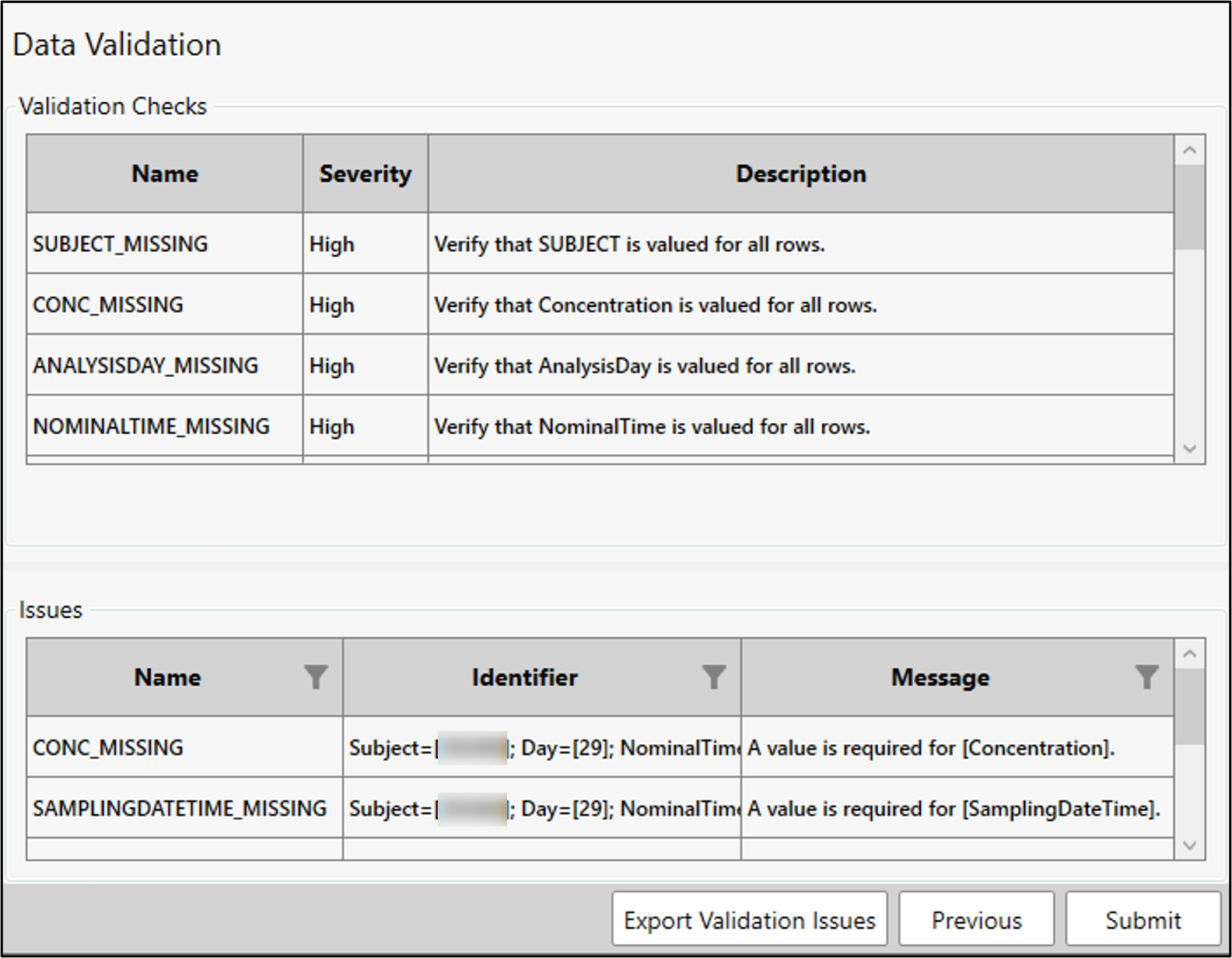
Any issues identified during the validation checks are listed in the lower table. Using the Identifier column, filtering can be done on the SubjectID, Analyte, Treatment, Day, or NominalTime. (Refer to “Sorting and filtering” if needed.)
Validation information can be exported to an Excel file using the Export Validation Issues button. Excel is opened and two tabs that duplicate the information in the two tables.
When finished with setting the validation checks, press the Submit button to generate the output from the Data Preparation Wizard.