If there is a variable that you would like to add, press Add Mapping below the Mapping table.
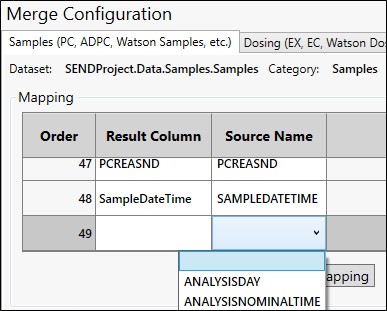
In the Result Column cell of the appended row, enter the name for the variable data column in the output worksheet.
In the Source Name column, click the cell and select the source column containing the variable data.
To add variables to the default list, see “Data Mapping” in the Configuration section.