The Print tab allows you to create a list of files to batch print in the order you specify. If you do not see the Print tab, select Go > Print.

In the following images, the file reference is Validation of Analytical Method for Dissolution Test by Capillary Electrophoresis (CE) from the Sequence view.
Select a file reference from the Navigation tree and do one of the following.
Click the Add Files(s) from Tree icon. 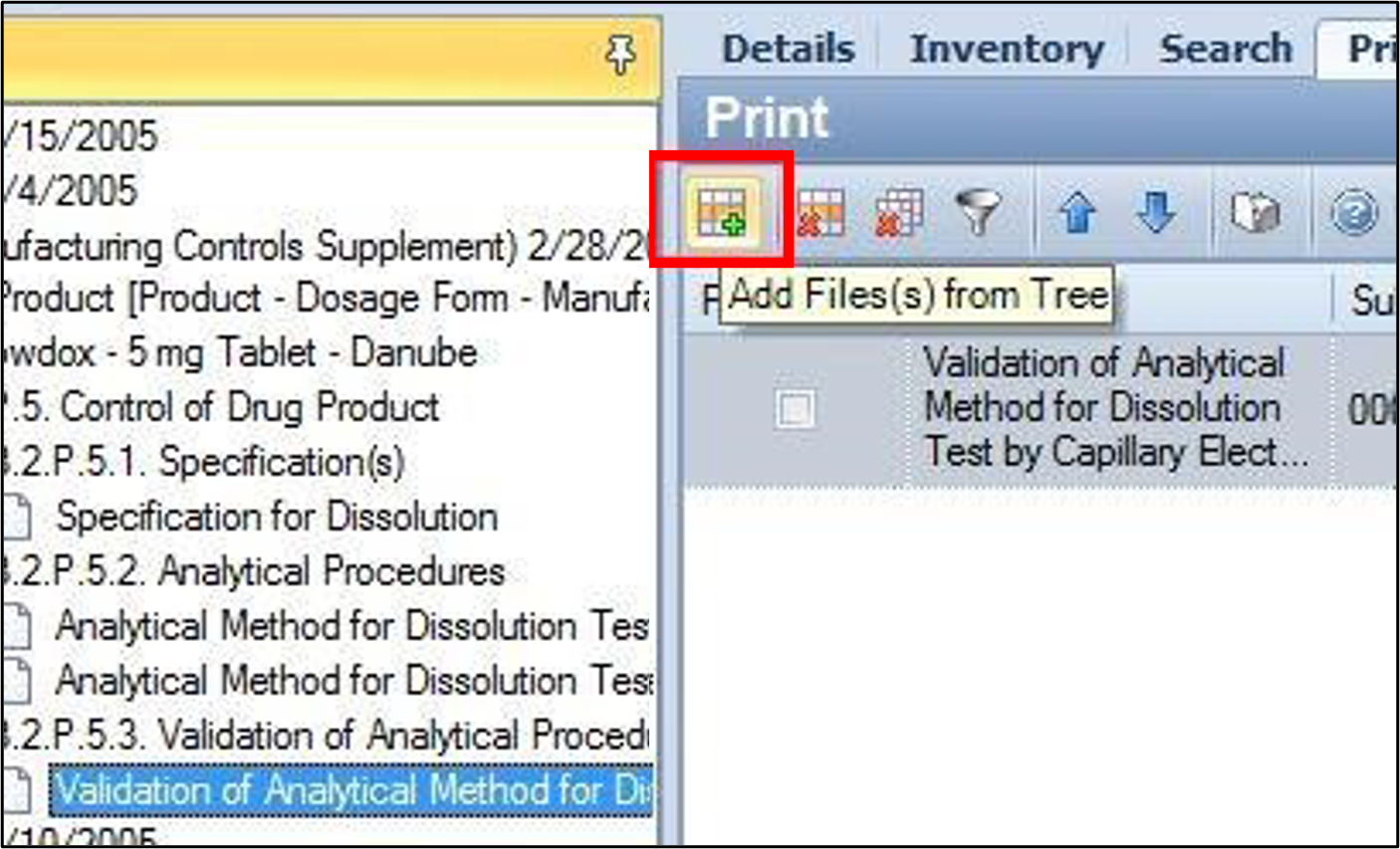
Right-click the file and select Add to Print Queue. 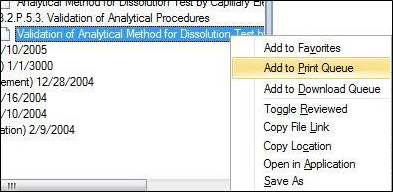
Click and drag the file onto the Print Queue tab.
Selected document(s) are then added to the Print tab of the Details pane.
Note: With any of these methods, a sequence or section can be selected as well. In this case, all files within that sequence or section will be added to the Print Queue.
Print the queue by selecting Action > Print from the main menu.
Or click the Print icon.
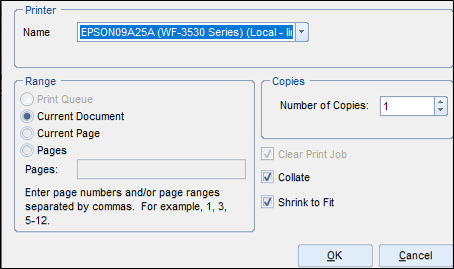
The Print dialog will appear.