The panes can be set to Auto Hide, in case they are not needed. The following example is using the Navigation pane.
Click the push pin  in the upper right hand corner of the Navigation pane to Auto Hide the pane. The Navigation pane will collapse as shown:
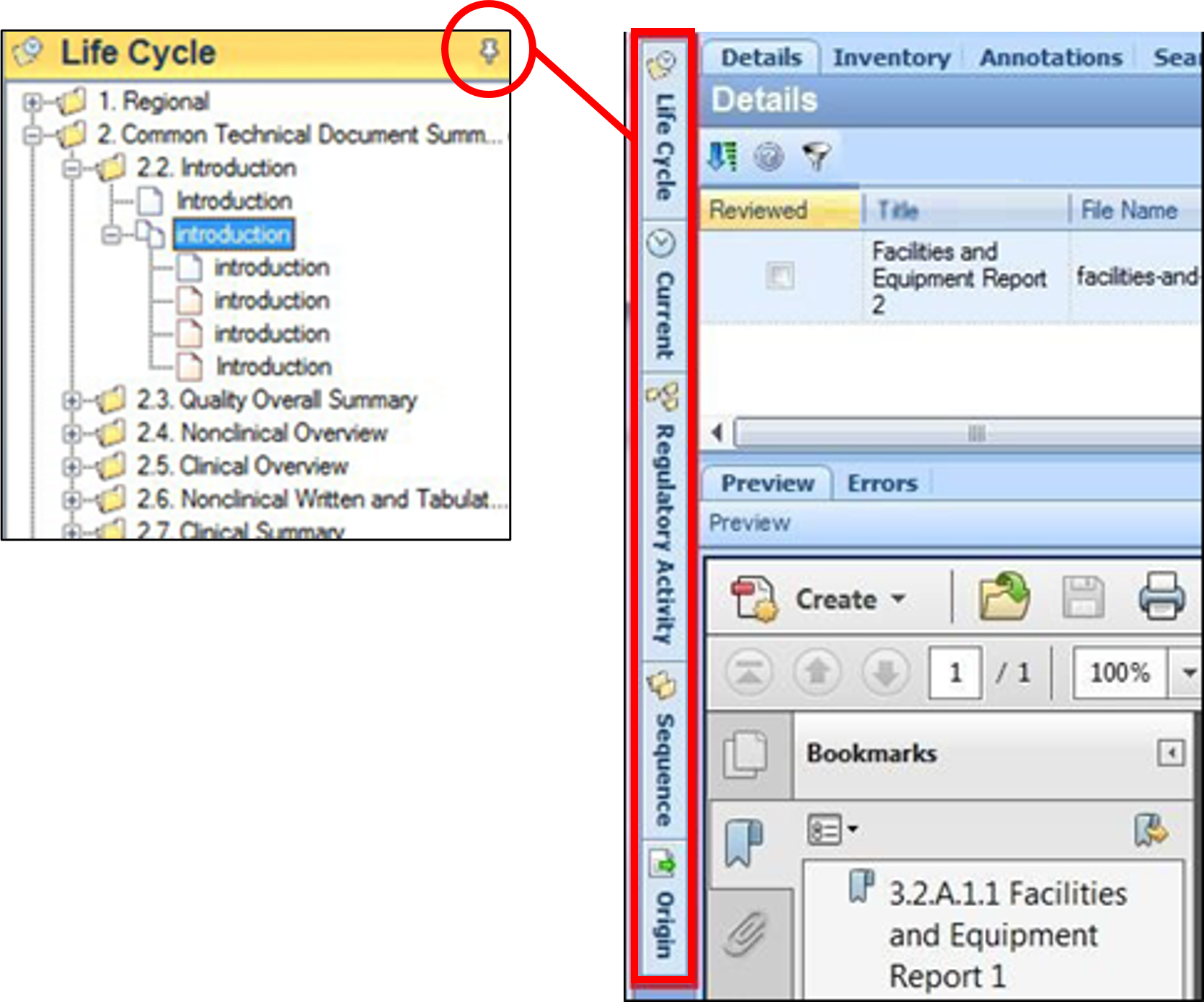
To restore the navigation pane, select the desired view and click again.